
- Registration:
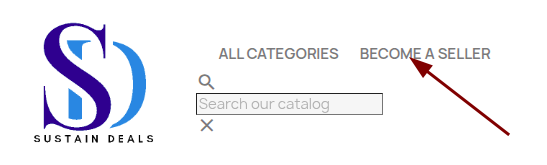
Click the "Become a Seller" button.
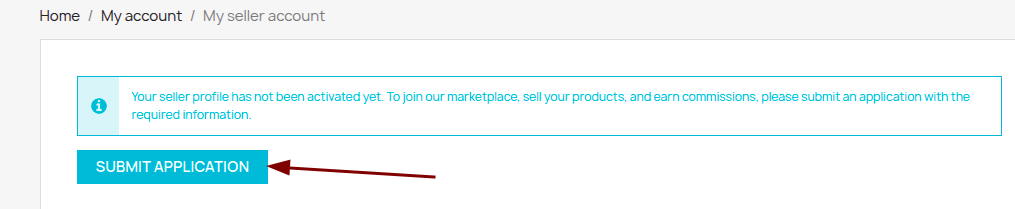
Click "Submit an Application."
Fill out the form and submit it.
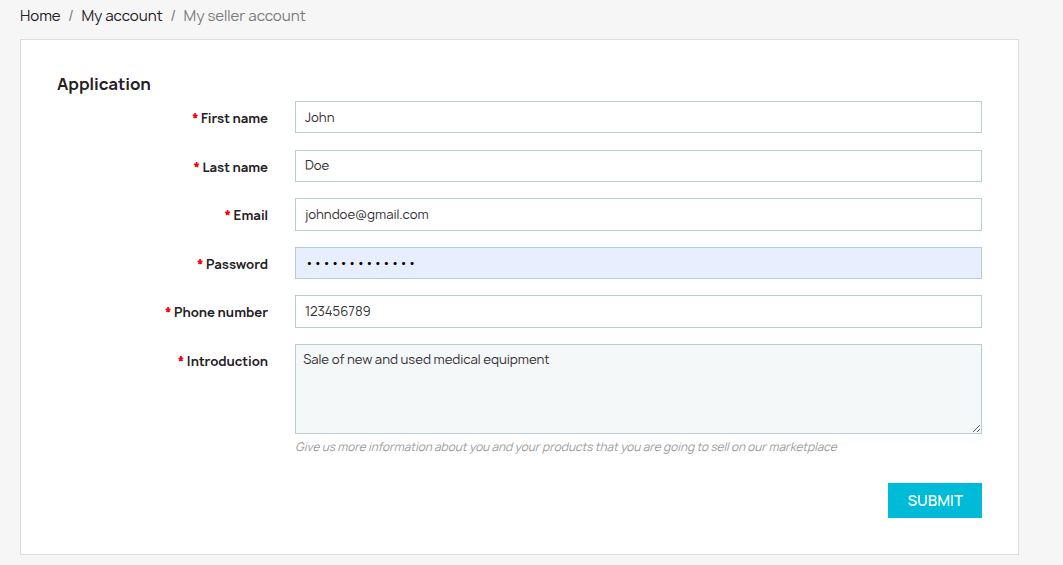
Dés que votre demande sera approuvée, vous pourrez vous connecter.
- Setting up your store:
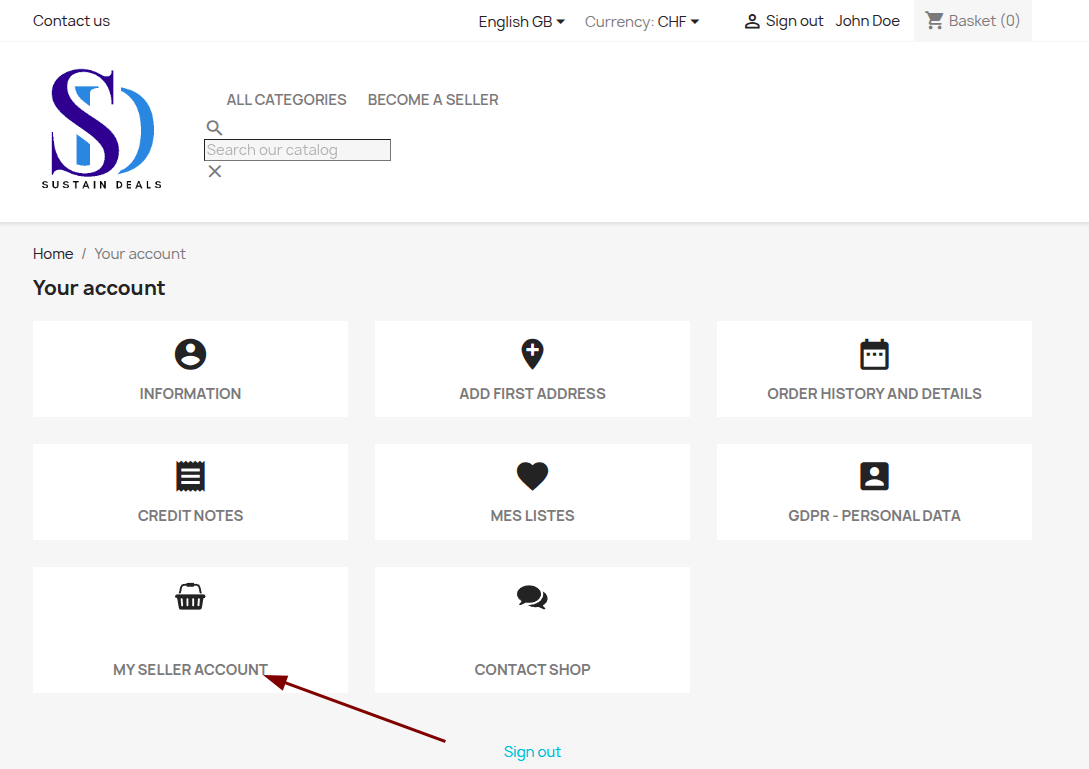
In this interface, you can modify your information, view your messages, and, most importantly, access your seller account to create your store.
Fill out the store creation form and submit it.
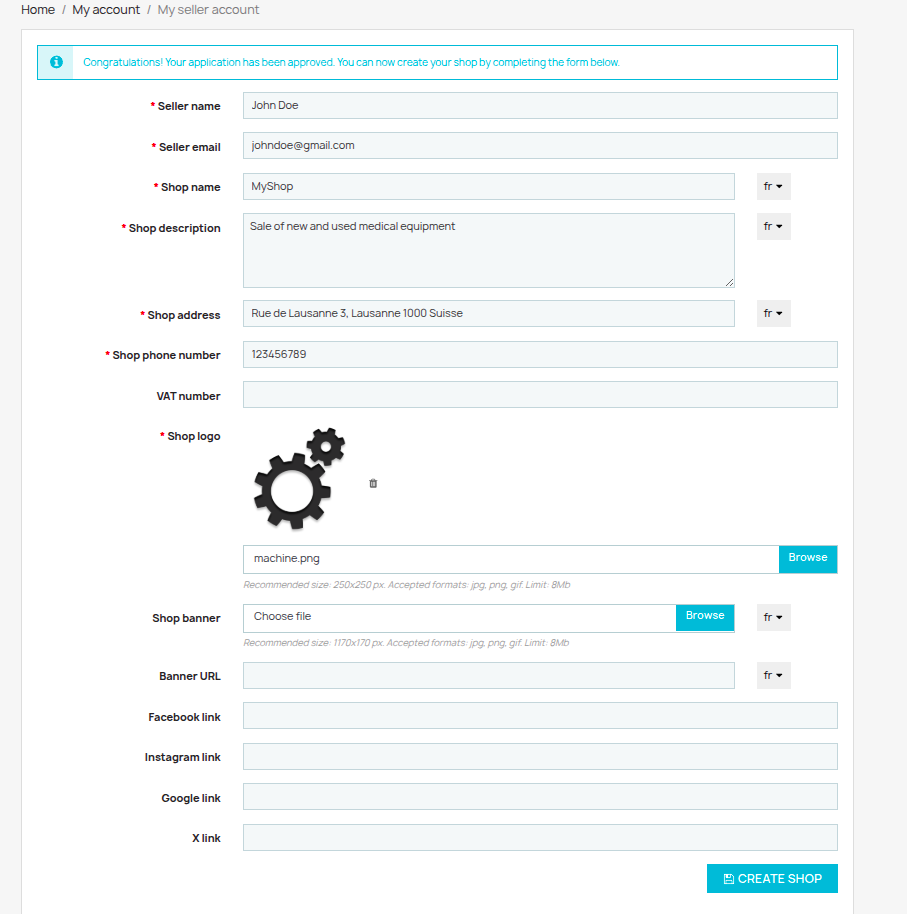
Click again on "My Seller Account."
- Setting up shipping:
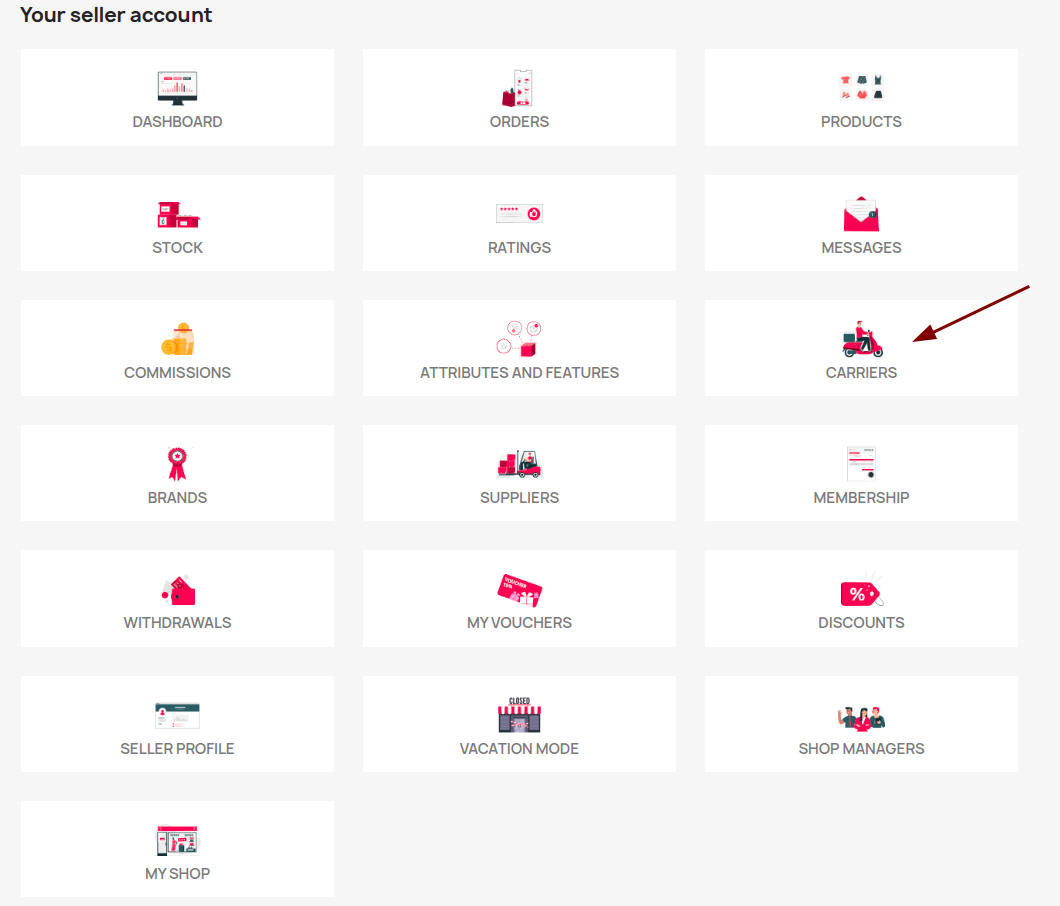
Click on "Dashboard." You will have access to all the tools for configuring and tracking your store.
Click on "Shipping," then "Create." Enter the name of the shipping method.
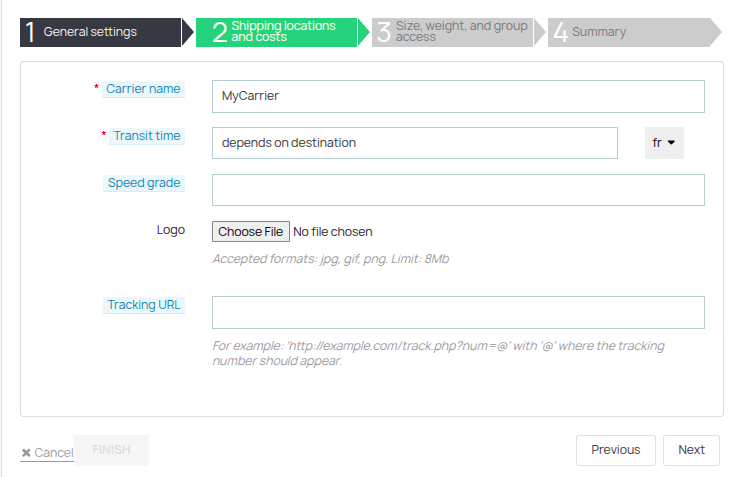
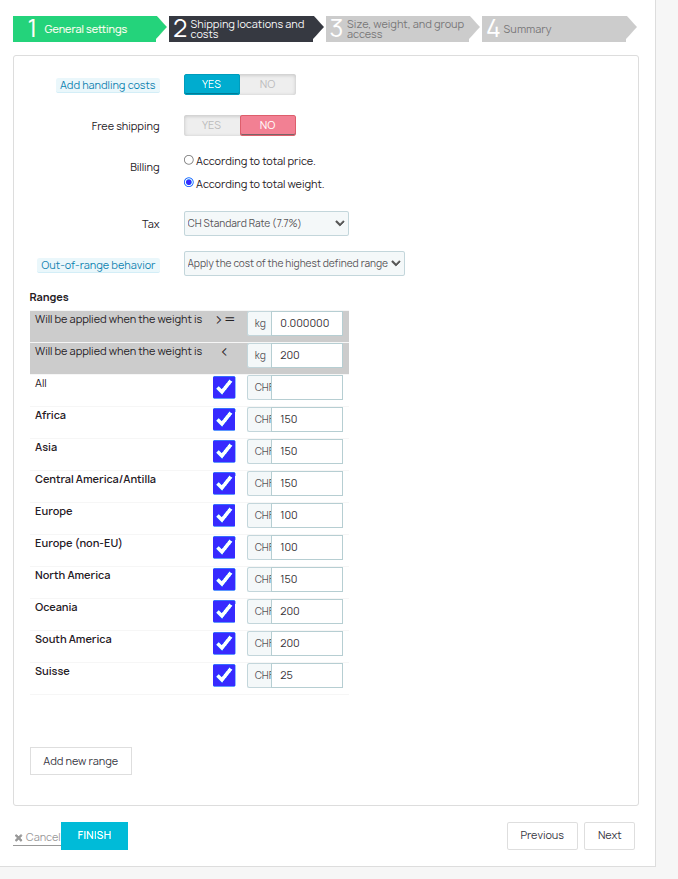
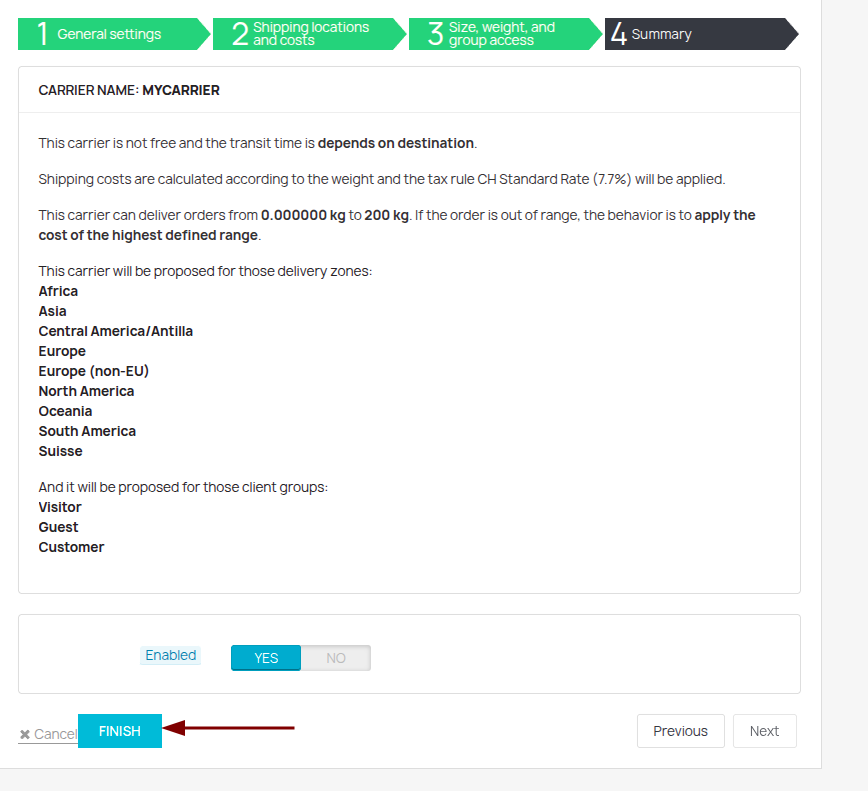
Enter the shipping method information: minimum and maximum weight, shipping price per region, and applicable tax.
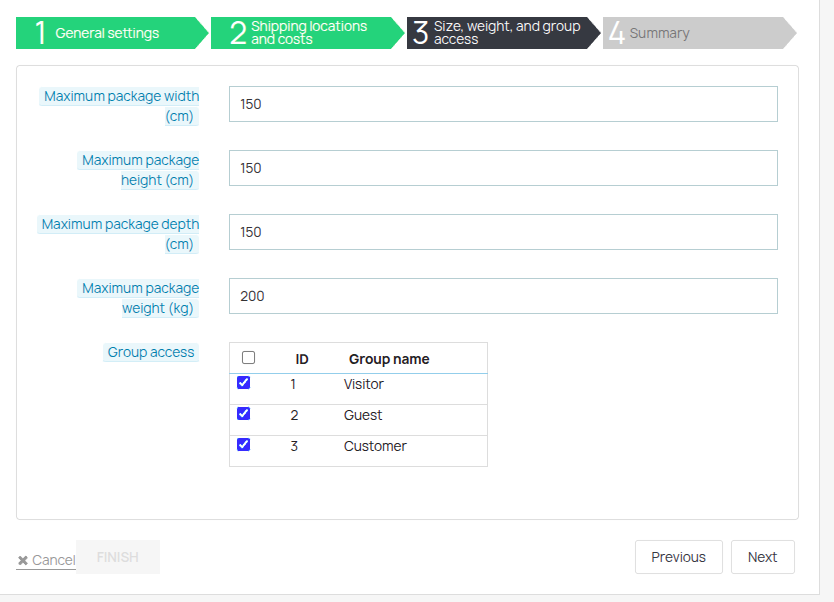
Enter the maximum dimensions.
- Creating a product:
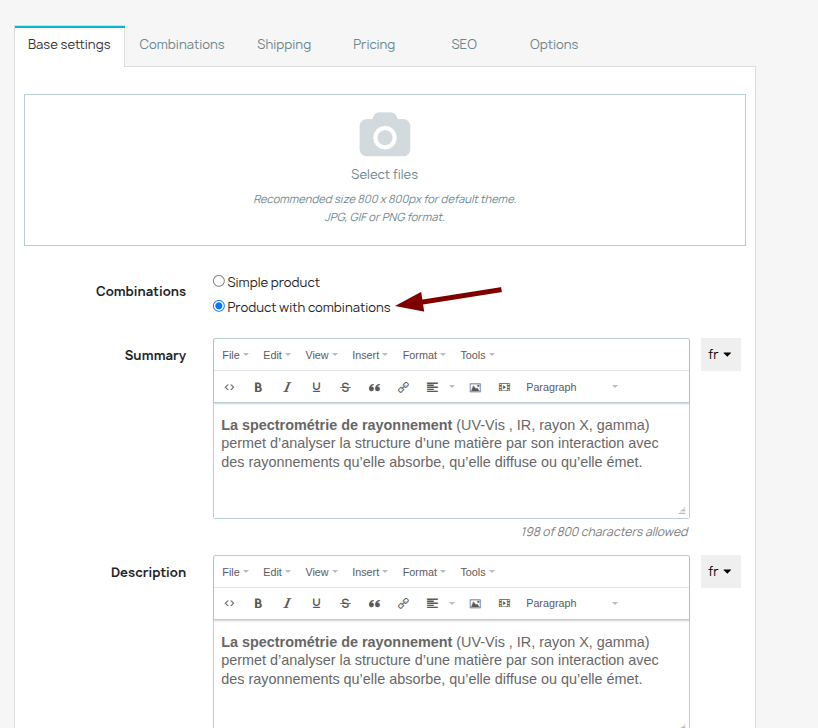
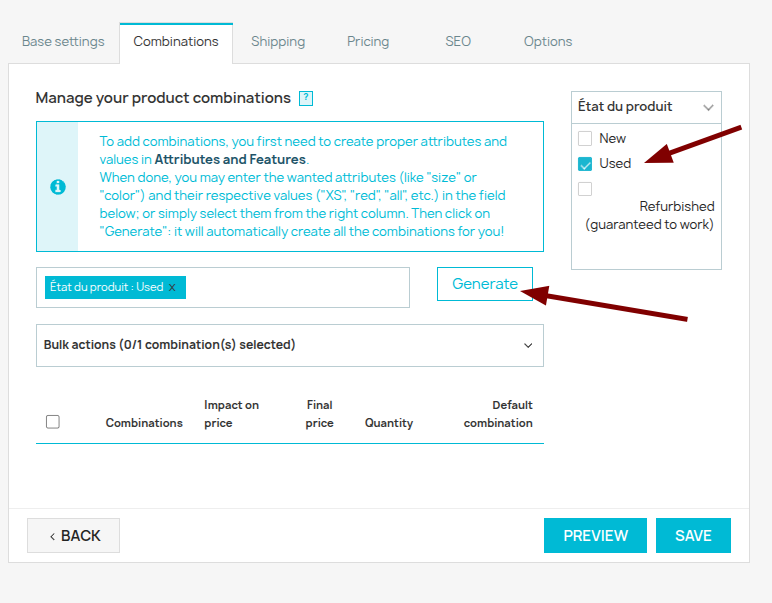
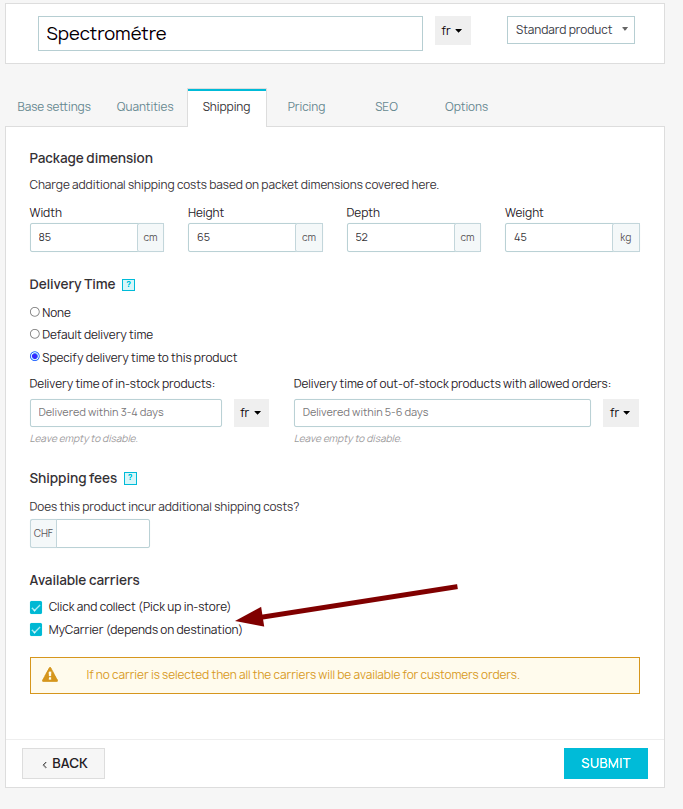
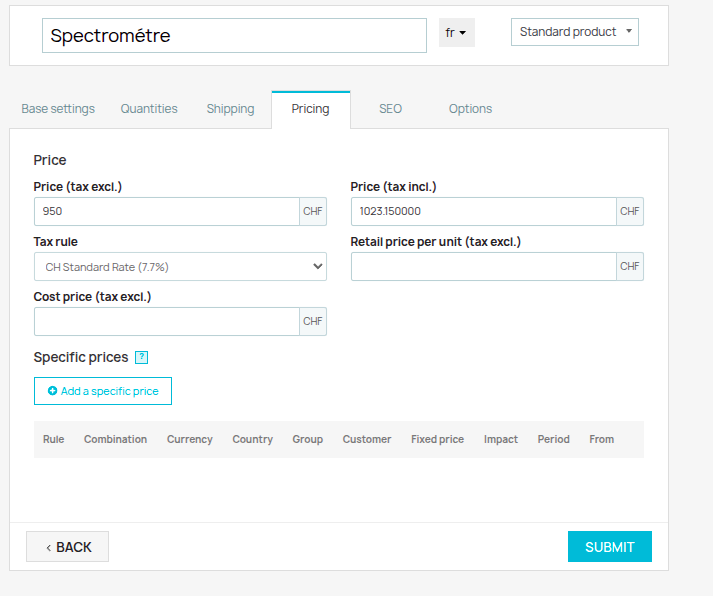
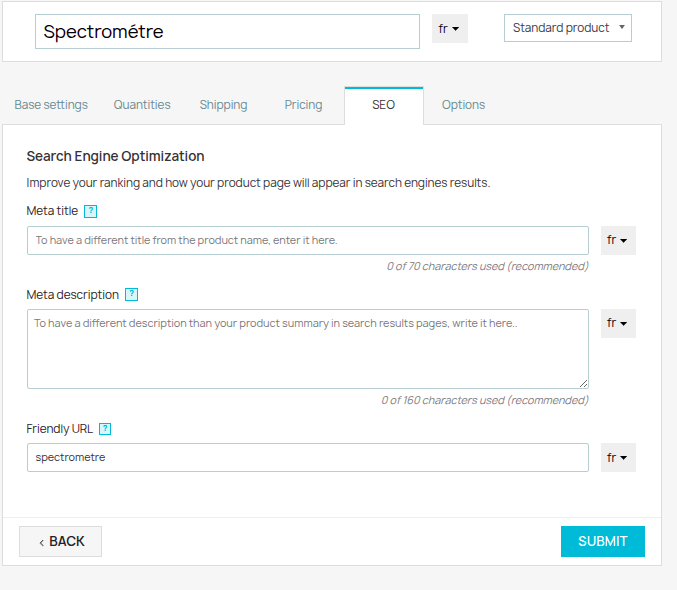
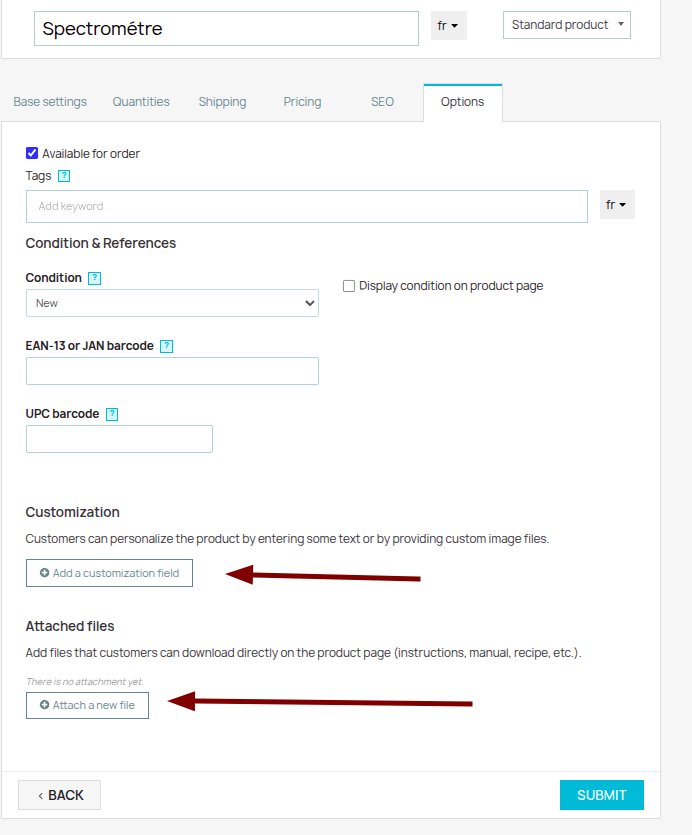
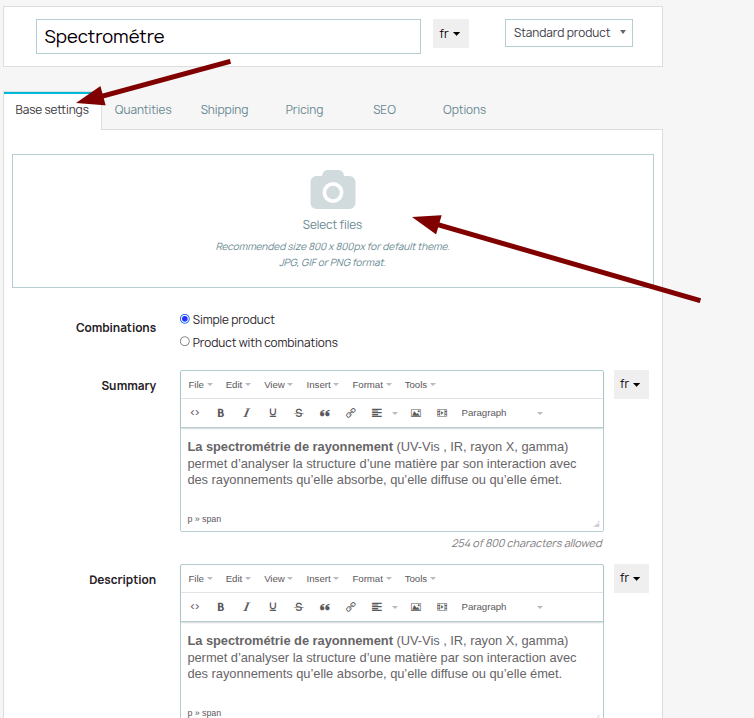
Return to the first tab and upload the product images.
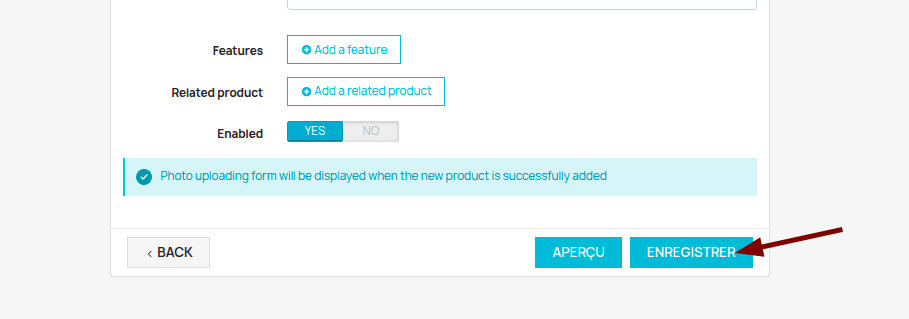
Check that the product is visible in the designated category(ies) on the website.